October 5, 2026
v2.2.2
Explore the Entire App with a Trial Account With a trial account you can use every part of the app for 30 days with 50 products, 200 transactions and 1 staff member — including the Activity Log that shows who did what. When the trial ends, your data stays in place: you can keep viewing and exporting it.
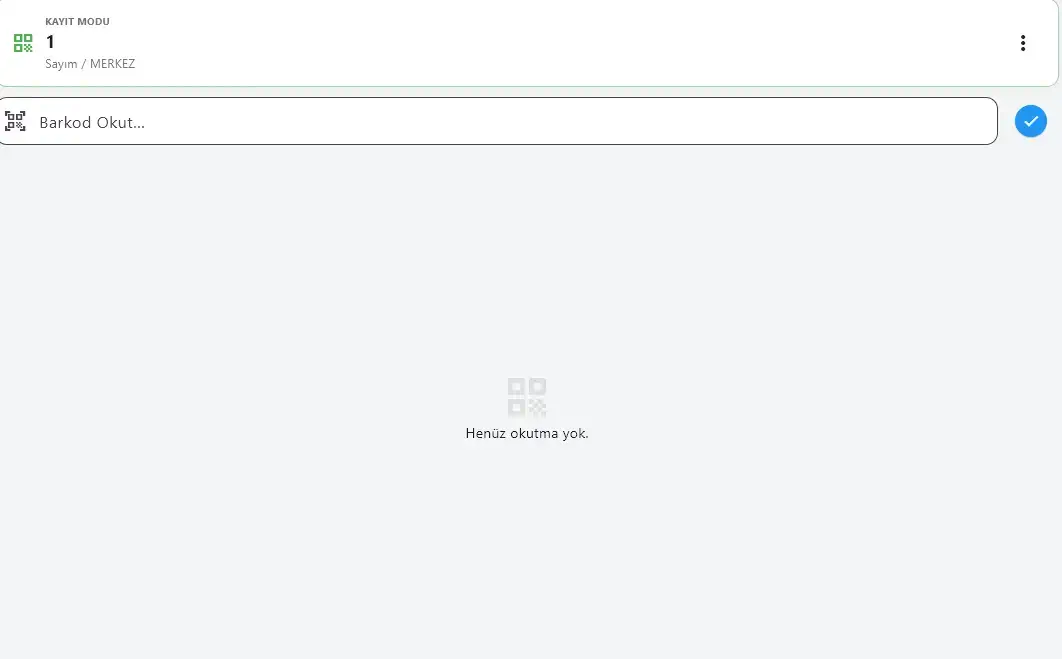
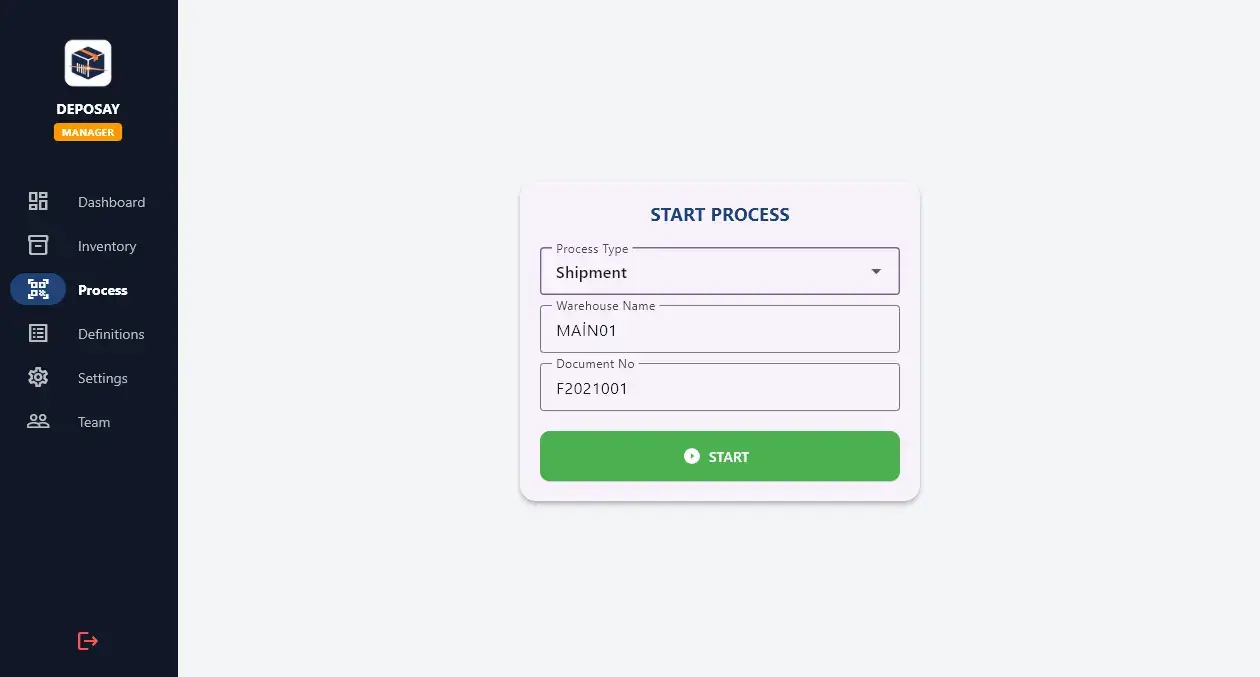
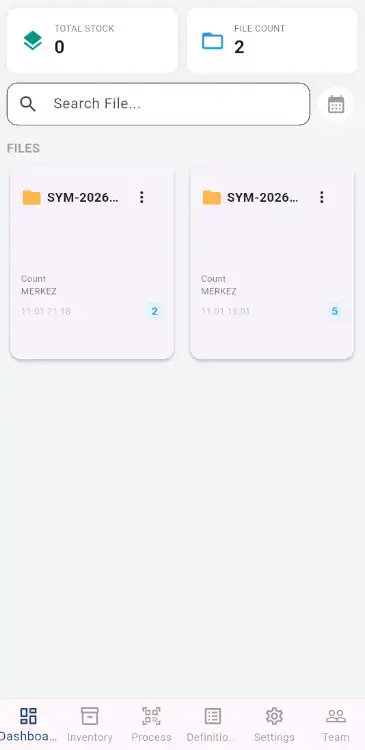
Separate Counts for Each Warehouse Stock counts are kept in a separate document for each warehouse. You can run more than one count in the same warehouse on the same day; each count is recorded in its own document without mixing with the others.
Full Control with Pick Lists In strict mode, only products on the list can be shipped. Scanning briefly waits until the list is ready, and the list refreshes on its own when the connection returns.
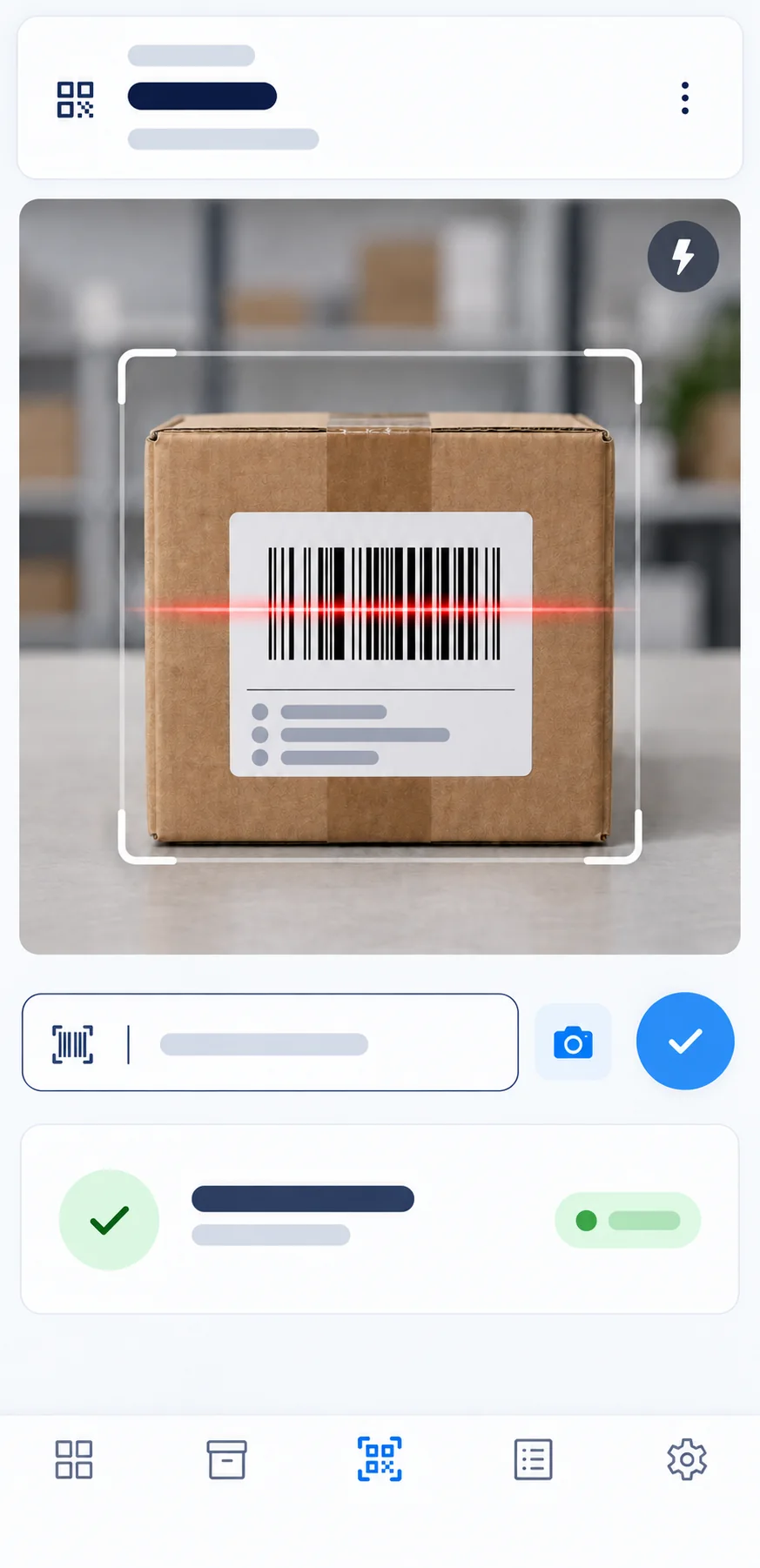
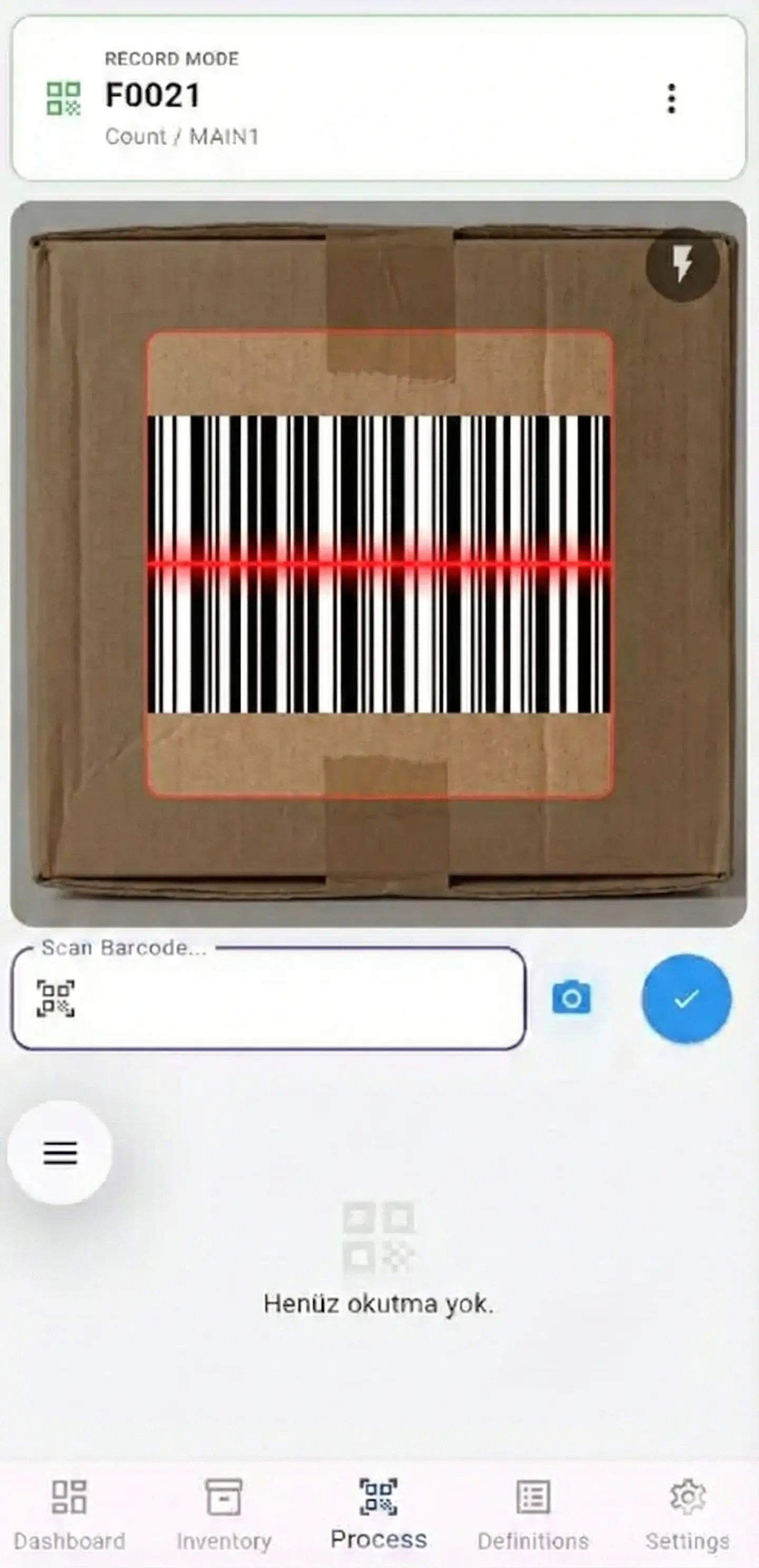
Faster, More Stable Barcode Scanning On Android and the web, the camera reads barcodes faster and more reliably, and it turns off automatically when you leave the tab. Every scan is recorded to the document open at that moment and the selected transaction type, and return scans follow your duplicate-scan setting.
Uninterrupted Sessions on the Web When you refresh the page in your browser, you stay signed in on the same tab and can keep working without logging in again.
Find Documents More Easily Document search is not case-sensitive, and Turkish letters such as ı and İ match a plain i.
Track Account Closure Requests, More Screens in 16 Languages You can follow the progress of your account closure request from within the app. More screens are now shown in all 16 supported languages.
September 9, 2026
v2.2.1
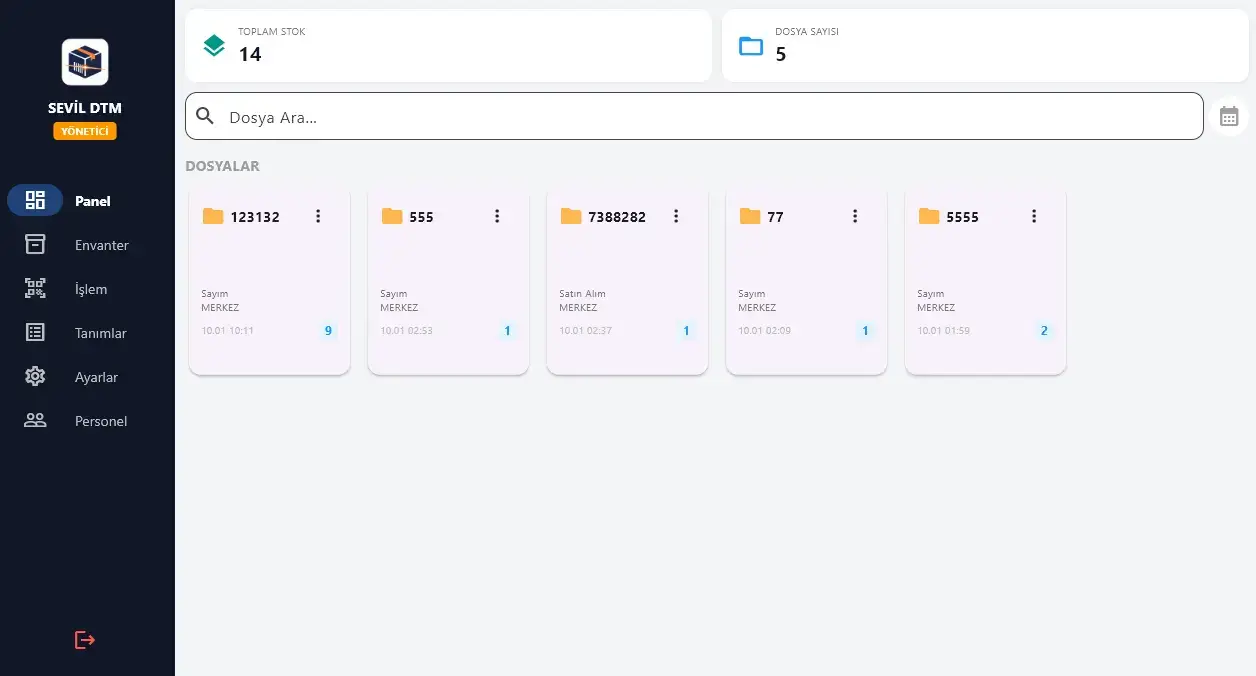
Staff Panel Stays Focused on Their Own Work Staff accounts see only their own daily activity and open document count on the panel; company-wide stock and product totals stay visible to managers only.
Password Reset Always Completes The password reset link reaches your account regardless of network conditions; if the branded email can't be sent, the system automatically continues through a backup channel.
Mobile View Refinements Titles on blue header bars are now clearly readable, panel tiles fit the screen width properly, and the document detail window is easier to use on narrow screens.
September 8, 2026
v2.2.0
Your Consent Is on Record: The consent you give at sign-up is recorded together with which version of which document you accepted. Both you and we can later see exactly which terms were accepted and when.
Expanded Privacy Notice: Why your data is processed, where it is stored, how long it is kept and what rights you have are now set out in detail. The full text is at deposay.com/privacy.
September 5, 2026
v2.1.9
Start With Your Own Company Name: You enter your company name on the registration form, so the app carries your name from the very first launch.
A Guided Tour on First Launch: New accounts get a short welcome dialog and a step-by-step tour the first time they open the app, so you learn what each screen does within the first minute.
Keep Track of Your Trial: The days remaining appear on the plan badge in the side menu and on the plan row in Settings, so you always know when your trial ends.
The Guide Is One Click Away: The user guide now sits on the help button in the side menu — in the top bar on mobile. Chapters on pick lists, team management, the activity log and backups were added.
Complete Interface in 16 Languages: The entire interface — including plan upgrade, staff management and confirmation screens — is shown in all 16 supported languages.
September 4, 2026
v2.1.8
Back Up Your Data to Your Own Computer: You can back up your products and transactions to your computer as an encrypted file. Even if the records on the server are deleted, you can open and read the backup inside the app. The last seven backups are kept, the app reminds you if no backup has been taken for four days, and you can turn on a daily automatic backup on desktop.
Activity Log — See Who Did What: Administrators can now see which employee did what and when, all on one screen: scans, product additions and deletions, sign-ins, exports and backup operations. You can filter by user, action type and date. A summary of the last 15 activities was also added to the dashboard.
Pick Lists for Shipments and Goods Receipt: You can define the expected product list on a shipment or purchase document in advance. Load the list from Excel; rows turn green as staff scan them, and products that are not on the list cannot be scanned. If a document is closed while incomplete, the shortfall is recorded item by item.
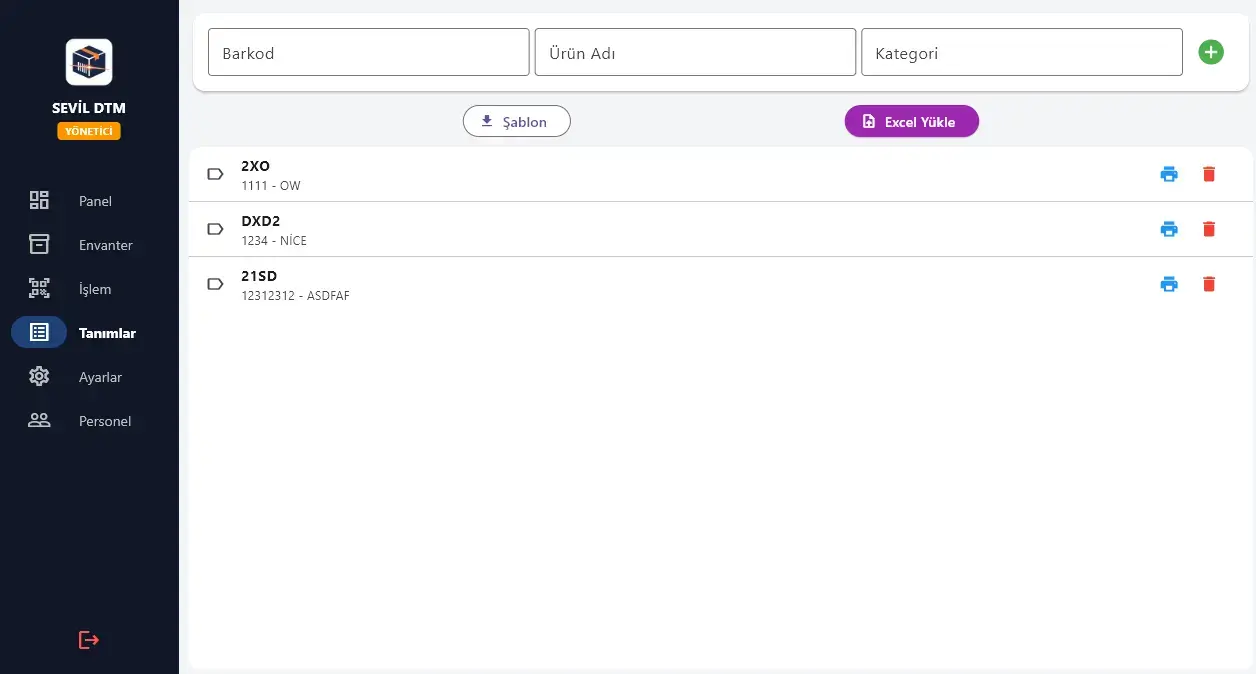
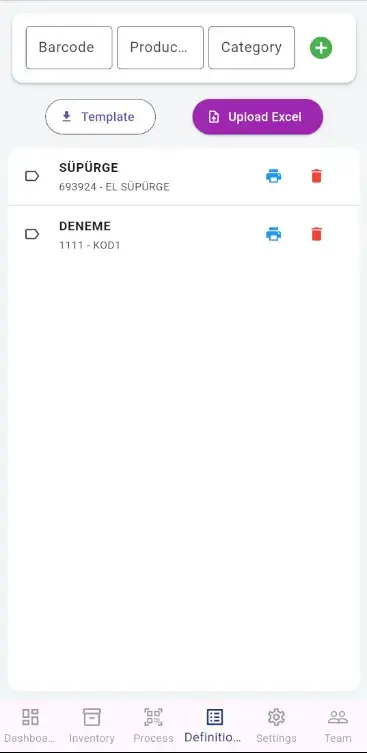
Broad Excel Compatibility: Excel files produced by ERP and accounting software import directly — both for bulk product definitions and for pick lists.
September 3, 2026
v2.1.7
16 Language Support: The app is now available in 16 languages: Turkish, English, German, Russian, Arabic, Spanish, French, Chinese, Azerbaijani, Persian, Polish, Italian, Portuguese, Dutch, Ukrainian and Romanian. Right-to-left layout is supported for Arabic and Persian. You can switch languages from the language button on the login screen.
August 25, 2026
v2.1.6
Update Notice on Every Sign-in: The new-version notice appears at every sign-in, so you never miss a release.
August 25, 2026
v2.1.5
Updates From Inside the App: When a new version is released you no longer need to visit the site and download a file. The app downloads the update itself, verifies it and starts the installation. The option to open the download page is still there.
Downloaded File Is Verified: Before installing, the update package's fingerprint and size are checked. If they do not match what is expected, the file is deleted and installation is not started.
August 25, 2026
v2.1.4
Stock Updates Automatically Now: For products whose code matches part of the scanned barcode, stock is now updated on the server at scan time. You no longer need to run stock synchronisation from Settings.
Live Dashboard Counters: "Today's Movements" refreshes itself after every scan. The counter also updates the moment offline records reach the system.
See Your Settings in the Camera: The scan animation now reflects your active settings: the number of corner frame layers shows frame confirmation, and the scan line speed shows read speed. You can tell your mode without opening Settings.
Uninterrupted Scanning on the Web: On the web the barcode decoder ships with the app instead of being fetched from elsewhere, so scanning starts instantly even on a weak connection.
August 25, 2026
v2.1.3
Offline Records Post Quickly: When the connection returns, scans are posted to the system automatically and far faster. Your records are kept safely on the device even during a brief network drop.
Duplicate Scan Protection: Adding the same barcode to the same document twice is blocked on the server. Barcodes scanned online and then scanned again offline are caught as well.
Label Printing and Interface Text: Barcode labels print special characters correctly, and the interface wording was reviewed end to end.
August 24, 2026
v2.1.2
Password Reset on Every Platform: The "Forgot my password" flow works the same way on Windows, Android and the web, with sign-in security protections fully active on every platform.
Clearer Error Messages: Sign-in messages tell you what to do next, separating a connection problem from incorrect credentials.
August 23, 2026
v2.1.1
Sign-in Protection: Repeated failed sign-in attempts now trigger a short waiting period that grows with each attempt, protecting your account against password-guessing attacks.
Security Notification: After four consecutive failed sign-in attempts, a notice is sent to your account email. It includes a secure link so you can reset your password right away if needed.
Simpler Password Reset: The "Forgot my password" flow was streamlined and the sending rate is limited against abuse.
August 18, 2026
v2.1.0
Stock Reliability: Stock quantity is now calculated server-side purely from real stock movements, keeping stock and movement history always consistent.
History Preserved: Even when a product is deleted, its stock movements remain in the history, so your audit trail and reports stay complete.
Security Improvements: Return photos are accessible only within your own company, deactivated users cannot sign in, and stock movements cannot be altered retroactively once recorded.
July 25, 2026
v2.0.9
Seamless Sessions: When you close the app without signing out, your session closes cleanly and you can sign back in right away without a warning.
Staff Online Indicator: Admins can see who is currently using the app from the green presence dot in the staff list.
Smoother Interface: Unnecessary data reloads on tab switching were removed; inventory, dashboard and staff screens are noticeably faster.
July 25, 2026
v2.0.8
Smoother Tab Switching: Switching between the Transactions, Definitions and Settings tabs became noticeably faster, with unnecessary reloads removed.
July 25, 2026
v2.0.7
Stability and Compliance: ERP transfers and report totals were made faster, and a personal-data consent step was added to the registration flow.
Getting Started Guide Revamped: The guide no longer closes when you jump to a step; it minimizes to the corner. With sample data explore mode you can try the app on a fully populated inventory.
July 24, 2026
v2.0.6
Panel Summary Widget: Added an at-a-glance summary at the top of the Panel: total products, total stock, low-stock alert, today's movements and open documents.
Faster Sign-in: The email verification code now auto-focuses and submits automatically once six digits are entered; clearer guidance on empty screens.
July 24, 2026
v2.0.5
ERP Integration & Offline Reliability: Approved documents switch automatically to "Sent to ERP" once transferred to the external system. Offline stock syncing works so that the same transaction is never counted twice, even if the connection drops.
July 6, 2026
v2.0.3
Stability on Windows: The scanning flow and the recording layer were rewritten in the Windows edition, so it stays steady even under heavy scanning.
July 2, 2026
v2.0.1
Platform Updates: The Windows, Android and web editions were updated and republished, with stability improvements.
May 12, 2026
v2.0
Offline Reliability: Transactions that cannot be completed during an internet outage are stored permanently on the device and posted to the system automatically once the connection returns.
Landscape & Tablet: Hold the phone sideways and the interface lays itself out accordingly; on tablets and large screens the side menu navigation opens.
Web Offline Support: The web edition keeps your data even if the browser is closed, and the app stays open when the connection drops.
Performance & Battery: Deleting large documents was made faster, battery use in the background was reduced, and the live data feed was made more resilient.
April 5, 2026
v1.9
Administrator Sync: Data syncing was added to administrator accounts, keeping records current across devices.
Inventory Improvements: Total stock status and stock alerts added to the inventory section.
General Optimization: Performance improvements and general optimizations applied.
March 12, 2026
v1.8
Daily Reporting: An end-of-day report summarising the day's inbound and outbound transactions was added for administrator devices.
Bulk Delete: An option to delete documents or products in bulk from the transaction history was added.
Dark Theme: A stylish dark mode support has been added to settings to reduce eye strain.
General Optimization: Security improvements, interface fixes, and performance enhancements were made.
March 4, 2026
v1.7
Demo Account Service: Newly registered users start automatically on a demo account and can explore the full administrator interface for 30 days.
Notification System: Instant in-app notification system added. New registrations and account updates are notified instantly.
General Optimization: Performance improvements, security updates, and interface adjustments were made.
February 21, 2026
v1.6
Performance & Stability: System-wide speed improvements and data synchronization enhancements.
Bulk Import: Importing large volumes of serial numbers from Excel/CSV was made noticeably faster.
February 1, 2026
v1.5
Barcodes Stay Intact in Excel: Long barcodes transfer exactly as they are, without turning into scientific notation in Excel.
Continuous Counting: After an invalid or duplicate scan the cursor returns to the code field by itself, so counting continues without losing pace.
Advanced Template: Product definition templates can now be downloaded directly across all platforms, including web.
General Improvements: Performance optimizations and English translations have been updated.
January 30, 2026
v1.4
Camera Management: The camera stays on while you switch tabs, so you carry on counting from where you left off.
QR Code Support: Toggling QR code mode restarts the camera instantly.
Security Improvements: Advanced security measures and session management added.
January 22, 2026
v1.3
Web Barcode Scanner: Added the ability to scan barcodes with the camera in web usage.
Hybrid Operation: The infrastructure for working online and offline side by side was updated.
General Improvements: Performance optimizations and bug fixes were made.
January 10, 2026
Fix
The barcode reader's response time was improved in the Windows app.
January 1, 2026
Feature
Excel product upload feature added to the panel.